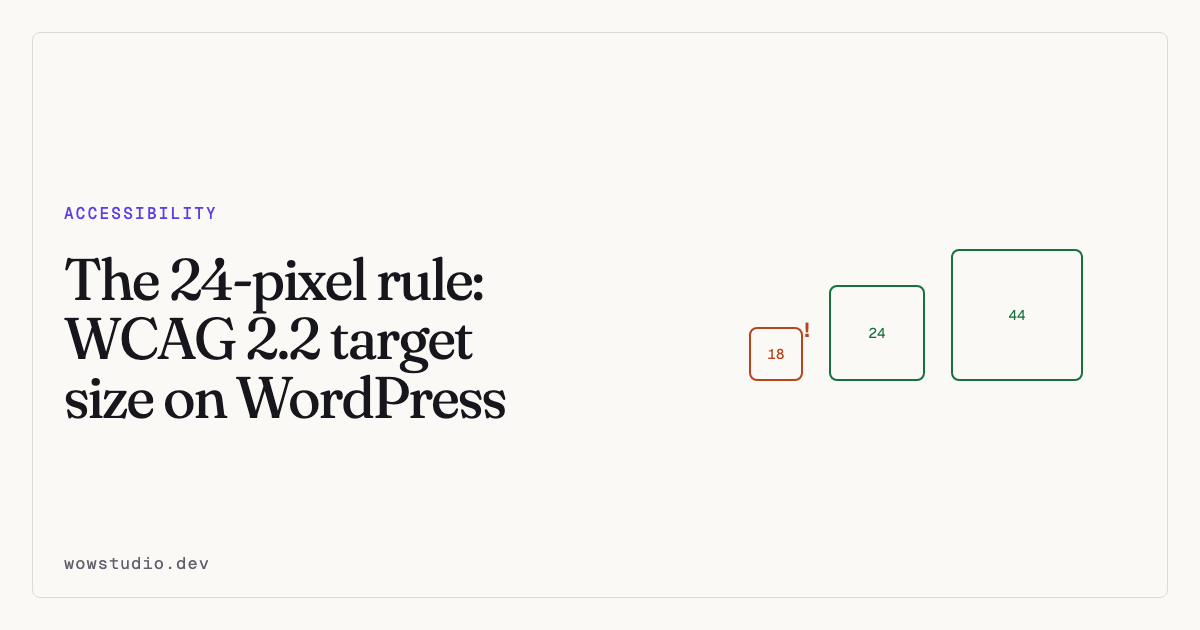
Clickable things must be at least 24 by 24 CSS pixels, or have enough clear space around them to amount to the same. That is WCAG 2.2 success criterion 2.5.8, Target Size (Minimum), and it is new enough that most WordPress themes have never been checked against it.
Social icon rows, pagination arrows, popup close buttons and footer links are the usual offenders.
Who this is for
Anybody with a tremor. Anybody with limited dexterity. Anybody with large fingers. Anybody using a phone one-handed on a moving bus, which is most people some of the time.
Small targets are not an edge case. They are a daily tax.
What the criterion actually says
The target — the clickable area, not the icon inside it — must be at least 24 by 24 CSS pixels.
Note that CSS pixels are not device pixels. A retina phone is still reasoning in CSS pixels, so this is the number in your stylesheet.
The exceptions
The criterion has real exceptions, and they matter:
Spacing. A smaller target passes if a 24-pixel circle centred on it does not overlap the circle of any neighbouring target. Two 16-pixel icons with plenty of space between them can pass.
Inline. A link inside a sentence is exempt. You are not expected to add padding to links in body copy.
Essential. Where the exact size is essential to the information, such as a point on a map.
User agent. Where the browser controls the size and you have not changed it.
Equivalent. Where the same action is available elsewhere on the page at a sufficient size.
Finding failures
You cannot find these by reading the markup. A target’s size is a product of CSS, layout, and what else is near it, so it needs measuring in a browser on a rendered page.
That is why target-too-small is one of the five browser-pass checks in
Accessibility Remediation rather than a
server-side one. The reasoning is in
How scanning works.
To check by hand: open developer tools, inspect the element, and read the box
model. The clickable box is the a or button, not the icon or the text
inside it.
Fixing it
Padding, not font size
The instinct is to make the icon bigger. Usually you want the icon the same size and the hit area larger.
.social-links a {
  display: inline-flex;
  align-items: center;
  justify-content: center;
  min-width: 24px;
  min-height: 24px;
  padding: 8px;
}
min-width and min-height are better than fixed sizes because the control
can still grow with its content.
Aim higher than 24
24 is the AA minimum. WCAG’s AAA criterion asks for 44, and the platform guidance from Apple and Google lands around 44 and 48. If you are touching the CSS anyway, 44 is a kinder number and costs nothing extra.
Watch inline-block collapse
An <a> wrapping only an SVG with display: inline will not take vertical
padding properly. Set display: inline-flex or inline-block first. This is
the single most common reason a padding fix appears to do nothing.
Pagination and arrows
Theme pagination is frequently bare numbers with a few pixels of padding. Give
the links a min-width and min-height and centre the content.
Close buttons
A popup whose close button is a 14-pixel × is a trap: the hardest control to hit is the one that gets you out. Make these generously large.
Where the plugin can help
The browser pass measures real rendered targets and proposes a minimum size of 24 by 24 as a floor, written into your own Additional CSS, so the control can still grow. Where your theme styles the same element more specifically, it re-measures afterwards and tells you the fix was outranked rather than reporting success. See Applying and undoing fixes.
Questions people ask
Does this apply to desktop as well as mobile?
Yes. It is not a mobile criterion. Mice and trackpads are also operated by people with tremors.
Do links in paragraphs need padding?
No. Inline links in a sentence are exempt.
Is 24 the same as the old 44 guidance?
No. 44 by 44 is Apple’s platform guidance and WCAG’s AAA criterion 2.5.5. The AA requirement introduced in 2.2 is 24.
My icons are 20 pixels with lots of space. Do they fail?
Possibly not — check the spacing exception. If a 24-pixel circle on each does not overlap its neighbour, it passes.
To measure every target on your rendered pages, the plugin is free on WordPress.org.